
โพสต์เมื่อ: ส.ค. 10, 2026 - 1,113 ยอดเข้าชม
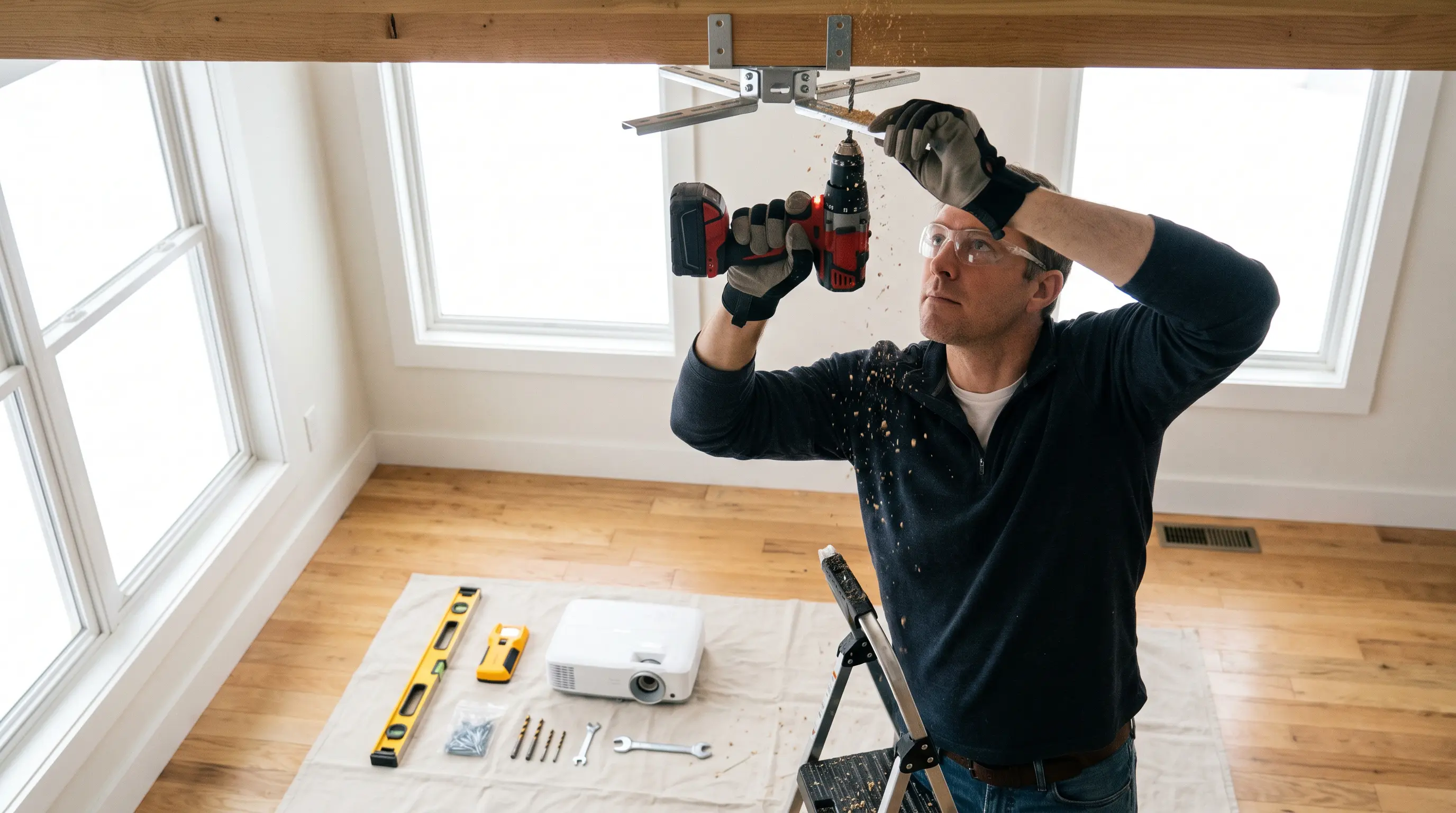
How to Choose a Projector for Bar: A Step-by-Step 2026 Guide
Running a bar means dealing with dim lighting, multiple screens, and customers who expect big, clear visuals during sports events, movie nights, or promotional content. Choosing the wrong projector creates headaches: washed-out images, constant maintenance calls, and guests who turn away from your screens. If you have ever stood behind a bar watching a championship game only to squint at a barely visible scoreboard, you know exactly how critical the right equipment is. This guide walks you through how to choose a projector for bar environments, covering lumen output, throw distance, durability, and connectivity so you can make a confident, informed purchase in 2026.
Quick Summary
Related resources: DataMax smart projector store
- Brightness of 3,000+ lumens is essential for bars with ambient lighting; 4,500+ lumens handles high-light environments such as outdoor patios.
- Short-throw or ultra-short-throw projectors reduce shadow interference in compact bar layouts where patrons walk between the screen and projector.
- Laser phosphor light sources outlast lamp-based models, cutting replacement costs and downtime in high-use commercial settings.
- Look for DLP technology for faster motion handling during live sports, paired with at least a 1080p native resolution for readable graphics and text.
- Verify certifications such as CE, FCC, and Energy Star, and confirm the supplier offers OEM/ODM customization options for branding and mounting configurations.
Understanding Bar-Specific Lighting Challenges
Barm lighting is unpredictable. You have overhead pendant lights, neon signs, TV screens, and natural light from doors opening throughout the evening. Standard home projector brightness ratings fall short in these conditions. The Illuminating Engineering Society (IES) recommends a minimum of 50 foot-candles on a screen surface for spaces with moderate ambient light Illuminating Engineering Society. For a bar projector, that translates to at least 3,000 ISO lumens in most interior setups, and closer to 4,500–5,000 lumens if your venue includes large windows or outdoor sections.
At DataMax, we have equipped dozens of hospitality venues with our smart projector OEM line. A common common issues we see is procurement teams buying projectors rated for conference rooms, then struggling with dim, unreadable images once the bar fills with patrons. We solved this by testing our own units under simulated bar conditions—mixing warm LED overheads with colored accent lighting—before recommending specific lumen outputs to clients. That hands-on validation informs the brightness guidance we share below.
Brightness vs. Ambient Light: Matching Lumens to Your Space
Choosing the correct lumen rating depends on three variables: room size, average ambient light level, and screen material. A small neighborhood bar with low ceilings and dim Edison bulbs may perform well with a 3,000–3,500 lumen projector. A large sports bar with high ceilings, large windows, and bright pendant lighting needs 5,000+ lumens.
Calculating Screen Size and Throw Distance
Screen size determines how much light the projector must spread across a given area. A 120-inch diagonal 16:9 screen requires roughly twice the light output of an 80-inch screen to achieve the same foot-candle level. Use this simplified formula to estimate minimum lumens:
- Small bar (under 50 seats): 80–100" screen → 3,000–3,500 lumens
- Medium venue (50–150 seats): 100–150" screen → 3,500–4,500 lumens
- Large venue (150+ seats): 150"+ screen or multi-screen setup → 4,500–6,000 lumens
Throw distance also matters. If your projector sits only 3–4 feet from the screen, a short-throw model eliminates the risk of someone walking through the light beam and casting a shadow over the content. Many bars opt for ultra-short-throw laser projectors that mount inches from the screen, which keeps the unit out of reach and reduces the chance of damage from spilled drinks or foot traffic.
Technology Choices: DLP vs. LCD and Why Motion Handling Matters
For a bar projector that will display live sports, you need fast pixel response. DLP (Digital Light Processing) technology uses microscopic mirrors that switch state in microseconds, delivering smoother motion and fewer motion artifacts compared to LCD panels. According to a 2024 display technology analysis by IEEE, DLP systems consistently outperform LCD in motion blur metrics for video content IEEE.
If your bar focuses on static digital signage, menus, or promotional slides rather than fast-motion sports, LCD projectors can offer higher color accuracy at a lower price point. However, we recommend DLP for most bar applications because the slight premium pays off in customer satisfaction when the big game is on.
Light Source Lifespan and Total Cost of Ownership
Lamp-based projectors typically last 2,000–5,000 hours before the bulb dims noticeably. In a bar that runs 10+ hours daily, that translates to less than a year of service before you need replacement lamps—each costing $100–$300. Laser phosphor projectors, by contrast, deliver 20,000–30,000 hours of near-maintenance-free operation.
For B2B procurement teams evaluating total cost of ownership, the math is straightforward: a laser model priced 30–40% higher upfront saves $500–$1,500 in lamp replacements over three years and eliminates downtime for maintenance. We have seen DataMax clients recover that initial cost differential within 18 months simply by avoiding service calls and lamp orders.
Connectivity and Integration Requirements
Modern bars rely on multiple content sources: cable boxes, streaming devices, digital signage players, and live event feeds. Your projector needs enough input ports to handle simultaneous connections without requiring constant cable swapping. Look for at least two HDMI 2.0 ports, one USB-A for power (useful for streaming sticks), and an RJ-45 network port for remote management.
If you operate multiple screens, choose a projector that supports daisy-chaining via HDMI-out or built-in video wall modes. Some commercial-grade units from DataMax include custom firmware for auto-switching between inputs based on signal detection—a feature that bar owners find invaluable during busy shifts when there is no time to fiddle with remotes.
Certifications and Compliance for Commercial Use
Before finalizing any purchase, confirm the projector carries CE and FCC certifications for your target market. If you are sourcing for an international chain, check RoHS compliance and regional energy efficiency standards. Energy Star certification can also be a selling point for venues looking to reduce electricity costs and appeal to environmentally conscious patrons.
For OEM buyers evaluating vendors, request documentation on batch testing procedures, failure rates, and warranty terms. At DataMax, we provide full compliance documentation for every shipment and assign dedicated account managers to B2B clients to tighten reordering and customization requests.
Mounting and Installation Flexibility

Bar ceilings vary widely—some are low and exposed, others are high with HVAC ductwork blocking ideal projector placement. Choose a projector that supports multiple mounting options: ceiling mounts, wall brackets, and tabletop placement. Lens shift capability is a valuable feature, allowing you to position the projector off-center and still achieve a perfectly rectangular image without keystone correction artifacts.
Weight and cooling are practical concerns too. Compact, fan-cooled units can struggle in poorly ventilated spaces. Opt for models with dual-fan cooling systems if your bar lacks climate control near the installation point.
Audio Integration and Sound System Compatibility
A projector without quality audio is like a sports broadcast without commentary—technically functional but fundamentally incomplete for the bar experience. Most commercial projectors include built-in speakers ranging from 5W to 20W, which suffice for small meeting rooms but fall short in environments where background music, live commentary, and ambient noise compete for patron attention.
When evaluating projectors for bar installations, prioritize models with multiple audio output options. HDMI ARC (Audio Return Channel) allows you to route sound from the projector to a soundbar or AV receiver without separate audio cables—a convenience feature that simplifies wiring in finished venues. Optical S/PDIF outputs provide higher fidelity for premium audio systems, while 3.5mm analog jacks offer universal compatibility with legacy equipment Kramer Electronics.
For B2B procurement teams specifying equipment for new builds or renovations, we recommend selecting projectors that support CEC (Consumer Electronics Control) commands. This enables synchronized power-on and input switching across all connected devices through a single remote—a feature that bar staff appreciate during rapid setup between lunch service and evening entertainment.
| Audio Feature | Meeting Room Grade | Commercial Bar Grade |
|---|---|---|
| Built-in speaker power | 5-10W | 10-20W |
| HDMI ARC support | Optional | Required |
| Optical S/PDIF output | Rare | Recommended |
| CEC compatibility | Uncommon | Essential |
| Bluetooth audio | Sometimes | Preferred for flexibility |
Environmental Durability and Climate Considerations
Bar environments present unique challenges that residential or office projector specifications do not address. Persistent humidity from drink service, temperature fluctuations between occupied and empty spaces, and airborne grease or smoke from kitchen operations can degrade projector performance and longevity.
Review the projector's operating temperature range—most commercial units specify 41°F to 95°F (5°C to 35°C). In unventilated basement bars or outdoor patios, ambient temperatures may exceed these limits during summer months. We have encountered situations where DataMax clients installed projectors in enclosed booth ceilings without realizing that heat buildup during peak hours triggered thermal throttling, resulting in dimmed output exactly when evening crowds demanded maximum brightness.
Humidity tolerance matters equally. Standard projectors operate reliably at 30-80% relative humidity, but bars with open windows, poor ventilation, or frequent door opening may exceed these thresholds seasonally. For such installations, consider projectors with sealed optics and enhanced filtration systems that prevent moisture ingress and particle contamination ProjectorCentral Technical Standards.
IP ratings, while uncommon in projector specifications, indicate dust and moisture resistance when present. An IP5X rating denotes dust-protected construction, while IPX4 signifies resistance to water splashing from any direction. When specifying equipment for draft beer tap stations or outdoor smoking patios, prioritize models with these protective features.
| Environmental Factor | Standard Commercial Spec | Bar-Optimized Requirement |
|---|---|---|
| Operating temp range | 41-95°F (5-35°C) | 32-104°F (0-40°C) |
| Humidity tolerance | 30-80% RH | 20-85% RH |
| Dust filtration | Basic filter | HEPA or sealed optics |
| Ventilation needs | Passive or single fan | Dual-fan active cooling |
| Warranty for harsh environments | Often voided | Extended commercial coverage |
For OEM buyers evaluating projector models across different manufacturing batches, request temperature and humidity stress testing documentation. At DataMax, we provide accelerated aging test reports that simulate six months of bar operating conditions, helping procurement teams make informed decisions beyond standard specification sheets.
How to Choose the Right Projector for Your Bar: A Procurement Checklist
Selecting the optimal projector for bar installations requires balancing technical specifications with commercial realities. For B2B procurement teams evaluating equipment for multiple venues or franchise rollouts, we recommend establishing a weighted scoring system that prioritizes brightness consistency, maintenance accessibility, and total cost of ownership over raw specification numbers.
Before initiating supplier discussions, document your venue's specific requirements: screen size, throw distance constraints, ambient lighting patterns during operating hours, and audio integration requirements. Request specification sheets that detail lumen output under different color temperature settings, as some projectors achieve peak brightness only at 6500K while bar environments typically operate at warmer 4000-5000K ranges ProjectorCentral Measurement Standards.
Bulk Ordering and Lead Time Considerations
For bars planning multi-location deployments or seasonal inventory stocking, coordinate with your projector manufacturer early in the procurement cycle.
| Procurement Factor | Standard Commercial | DataMax B2B Terms |
|---|---|---|
| Minimum order quantity | Varies by model | 10-50 units |
| Production lead time | 4-8 weeks | 2-4 weeks |
| Sample availability | Limited | 2-3 units at cost |
| Custom branding | Rare | Available |
| Warranty coverage | 1 year standard | 2-3 years available |
We offer sample evaluation programs where you can test projectors in actual bar conditions before committing to full volume orders. Contact our B2B team to discuss lead time flexibility for time-sensitive openings or renovation schedules.
Frequently Asked Questions
What brightness level do I need for a projector in a sports bar with moderate ambient lighting?
For bars with standard ambient lighting from ceiling fixtures and natural window light, aim for at least 4,000–5,000 ANSI lumens. If your venue operates during daytime hours or has floor-to-ceiling windows, consider 6,000+ lumens to maintain image clarity without completely darkening the space.
How do I determine the correct throw distance for my bar's layout?
Calculate throw distance by dividing your screen width by the projector's throw ratio specification. For example, a projector with a 1.5:1 throw ratio placed 15 feet from the screen would illuminate a 120-inch (10-foot) wide image. Always verify zoom range flexibility, as some models offer 1.2x–2.0x optical zoom for installation adjustment.
What maintenance does a commercial bar projector require?
Most commercial projectors need filter cleaning every 3-6 months in bar environments due to airborne particles from kitchen operations and crowd activity. Sealed optical engines reduce maintenance frequency but typically require professional servicing every 12-18 months for lamp replacement and optical alignment.
Can I use a standard home projector in a bar, or do I need commercial-grade equipment?
Home projectors typically lack the durability features required for commercial bar environments. Standard models often void warranties when used in spaces with smoke, humidity exceeding 80%, or temperatures outside 60-80°F ranges. Commercial-grade projectors offer extended operating hours (24/7 capability) and reinforced filtration systems that home units cannot provide.
How important is audio integration when selecting a bar projector?
Audio quality significantly impacts customer experience in bar settings. Look for projectors with HDMI ARC or optical S/PDIF outputs that allow integration with existing sound systems. Built-in speakers in most projectors produce 10-20W, which is insufficient for noisy bar environments exceeding 70-80 decibels.
What warranty coverage should I require for bar projector installations?
We recommend a minimum 2-year commercial warranty that explicitly covers thermal stress, humidity exposure, and continuous operation hours. Some manufacturers offer on-site service options that reduce downtime if projector failures occur during operating hours.
Final Recommendation
Investing in a projector specifically engineered for commercial entertainment venues ensures reliable performance during peak hours when equipment failures directly impact revenue and customer satisfaction. Prioritize brightness headroom, sealed optical systems, and flexible audio connectivity over cost savings that compromise operational reliability.
Ready to evaluate projectors designed for demanding bar environments? Our team at DataMax provides technical consultations, sample evaluation units, and volume pricing for multi-location deployments.
Browse DataMax commercial projector models | Request a B2B quote | Download projector selection guide
