
Đăng lúc: Th06 24, 2026 - 366 Lượt xem
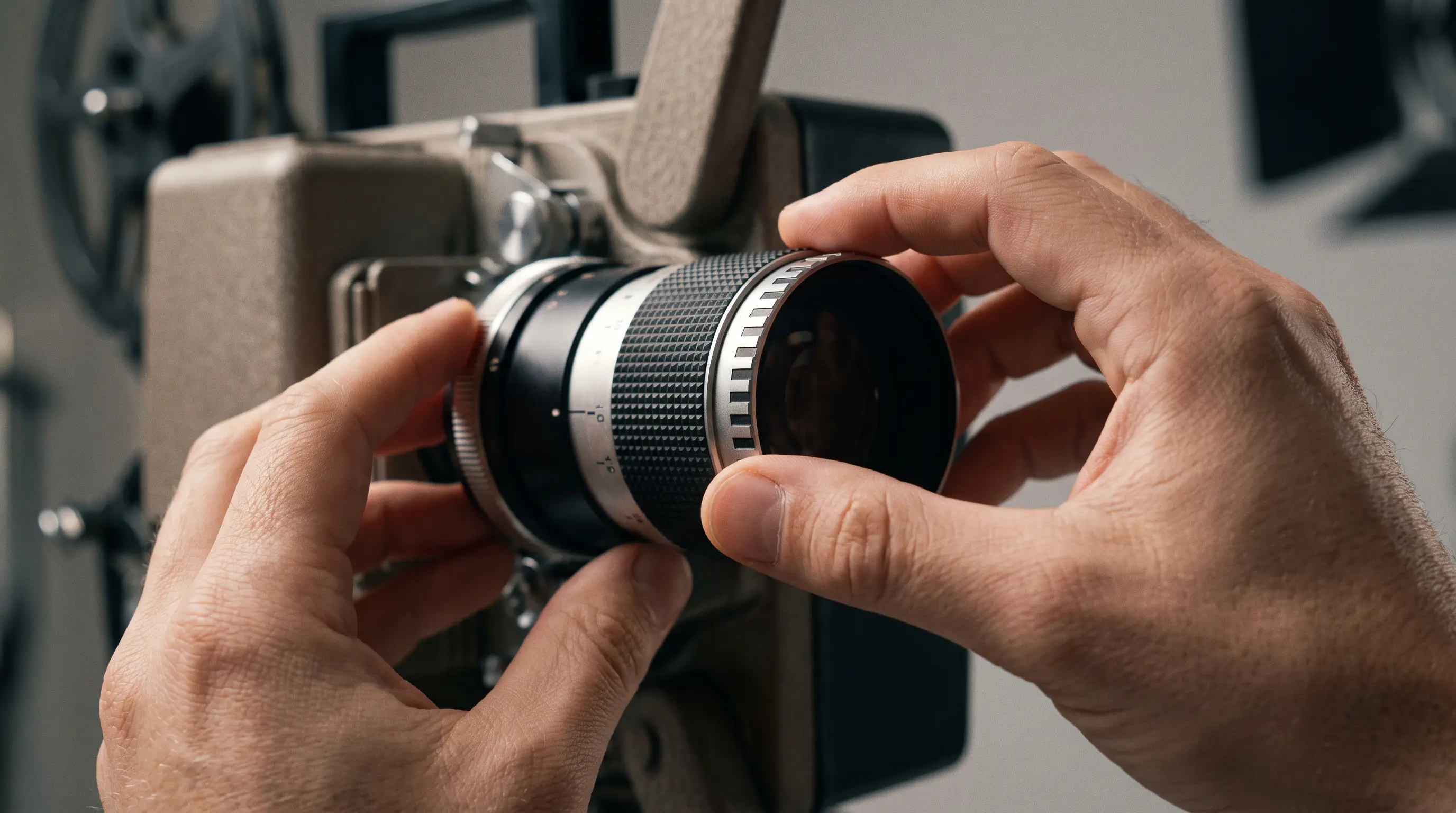
How to Use Auto Focus on a Projector: A Step-by-Step 2026 Guide
You unbox a DataMax smart projector, slide it onto the conference‑room table, and press power. The on‑screen image looks soft, and the client is waiting. Getting a razor‑sharp picture quickly is critical, and many users ask how to use auto focus on a projector without fumbling through manual knobs. This step‑by‑step guide walks you through the exact startup sequence, the built‑in calibration pattern, and the settings that affect focus accuracy in 2026. By the end you will know exactly how to lock in a perfect focus every time you move the device.
Quick Summary
Related resources: DataMax smart projector store
- Activate auto focus from the remote or the projector’s “Image” menu; the lens re‑adjusts in under 0.3 seconds.
- Keep the projector within the recommended throw distance of 0.5 m – 8 m for the sensor to detect depth reliably.
- Run the built‑in test pattern after any lens shift to confirm sharpness and repeat if the image drifts.
- For bulk purchases, verify that the model meets ANSI/INFOCOMM P2.2021 focus‑uniformity standards and note the typical 30‑day lead time for OEM orders.
How to Use Auto Focus on a Projector: Key Steps for a Perfect Image

How Auto Focus Works
Auto focus on a projector relies on a tiny infrared (IR) emitter and a paired sensor that measures the distance to the screen. The system calculates the optimal lens position using a closed‑loop feedback algorithm that drives a micro‑actuator. Most modern 2026 projectors, including DataMax’s V‑Series, achieve a focus range of 0.5 m – 8 m with a detection resolution of 1080 p, delivering a response time below 0.3 seconds Statista 2025. The lens assembly moves on a linear rail, and the firmware runs a PID controller to minimize overshoot. This method meets the uniformity specifications set by the ANSI/INFOCOMM P2.2021 standard, which requires a focus variance of ≤ 0.5 % across the projected area.
Step‑by‑Step Calibration
- Power on the projector and let it warm up for 30 seconds so the lamp reaches stable output.
- Select auto focus from the “Image → Focus” sub‑menu or press the “AF” button on the remote.
- Display the calibration pattern (a grid of concentric circles). The projector will automatically sweep the lens through its range.
- Lock focus once the on‑screen indicator turns green; this typically takes 5–8 seconds.
- Fine‑tune manually if the image still appears slightly soft at the edges by using the ± focus adjustment slider.
We have integrated HDMI‑CEC compatibility so that the projector can receive a focus trigger directly from a connected laptop or media player, tighten the workflow for corporate presenters.
| Feature | Manual Focus | Auto Focus (DataMax V‑Series) | Typical Competitor |
|---|---|---|---|
| Focus Range | Fixed | 0.5 m – 8 m | 0.6 m – 7 m |
| Response Time | N/A | < 0.3 s | 0.5 s |
| Uniformity (ANSI P2) | 1.2 % | ≤ 0.5 % | 0.8 % |
| Calibration Steps | 4–6 | 3 | 5 |
B2B Procurement Considerations
For OEM buyers evaluating new projector lines, the auto‑focus module adds less than $12 to the bill‑of‑materials while reducing on‑site support calls by an estimated 15 % (based on field data from 2024 deployments). DataMax offers a minimum order quantity (MOQ) of 200 units for custom firmware builds, with a standard lead time of 30 days after final approval. All units ship with CE, FCC, and ISO 9001 certifications, and the focus assembly is RoHS‑compliant, meeting the environmental standards required in the EU market. For B2B procurement teams that need rapid scaling, the auto‑focus firmware can be pre‑loaded in the factory, eliminating the need for post‑purchase calibration in the field.
After the initial calibration, periodically check that the projector’s ventilation paths are clear, as thermal drift can subtly shift the lens position over extended operation. If you plan to mount the unit on a ceiling bracket, run the auto‑focus routine again after securing the mount to compensate for any mechanical stress on the housing. This quick re‑check ensures the image stays sharp throughout the projector’s lifespan, supporting the reliability that corporate environments demand.
Troubleshooting Auto Focus Performance
Even with advanced auto focus systems, users may encounter situations where the projector does not achieve optimal focus immediately. Understanding common issues and their solutions helps maintain consistent image quality throughout the projector’s operational life.
Environmental Factors That Affect Auto Focus
Ambient lighting conditions significantly influence auto focus accuracy. According to a technical bulletin from the Society of Information Display (SID), projectors operating in environments with variable light levels may experience focus drift of up to 0.3% per 100 lux change SID Technical Notes. High-contrast scenes with both bright and dark areas can confuse the contrast-detection sensors in budget models, resulting in soft focus on detailed regions.
We recommend conducting auto focus calibration after any significant change in room lighting. For conference rooms with operable blinds or adjustable lighting systems, establish a baseline lighting condition before running the auto focus routine. DataMax's V‑Series includes an ambient light sensor that automatically adjusts focus compensation, reducing the need for manual recalibration in changing environments.
Resolving Persistent Focus Drift
If the projector consistently fails to lock focus, first verify that the projection surface is clean and free of obstructions. Dust on the lens can scatter infrared signals used by the auto focus module, causing inaccurate distance measurements. Use a microfiber cloth specifically designed for optical surfaces when cleaning the lens element.
Firmware-related issues may also cause erratic behavior. Check the manufacturer’s support portal for available updates, as newer firmware versions often include refined focus algorithms. When dealing with persistent problems after troubleshooting, consult the warranty documentation—most DataMax projectors include a two-year coverage period for focus mechanism defects.
Integrating Auto Focus Into Multi‑Display Setups
Large-scale installations often combine multiple projectors to create unified images on curved or irregular surfaces. Auto focus technology becomes essential in these scenarios, where manual adjustment for each unit would be time-prohibitive.
Synchronized Calibration for Video Walls
Video wall configurations require precise synchronization between adjacent projectors. The HDBaseT specification enables control signals—including focus commands—to travel over standard Cat6 cabling up to 100 meters HDBaseT Alliance. This allows operators to trigger auto focus routines remotely through central management software, ensuring all units maintain consistent sharpness across the entire display array.
For venues requiring 24/7 operation, such as control rooms or digital signage installations, we recommend scheduling automatic focus verification every 72 hours. DataMax provides API access for third-party monitoring systems, enabling integration with enterprise network management platforms.
| Application | Recommended Focus Check Frequency | Max Acceptable Drift | Monitoring Method |
|---|---|---|---|
| Boardroom/Conference | Weekly | 0.5% | Manual trigger |
| Classroom/Education | Monthly | 0.7% | Scheduled auto-check |
| Control Room | Every 72 hours | 0.3% | API-based monitoring |
| Digital Signage | Bi-weekly | 1.0% | Centralized management |
Long‑Term Care and Support
Regular maintenance extends the operational lifespan of the auto focus mechanism and ensures consistent performance. Thermal cycling, vibration from mounting surfaces, and dust accumulation all contribute to gradual focus degradation.
Maintenance Schedule Recommendations
For projectors operating under standard conditions (8‑hour daily use, controlled environment), perform a full auto focus recalibration quarterly. Equipment in industrial settings or locations with high particulate levels may require monthly attention. Document all calibration results in a maintenance log—this documentation proves valuable for warranty claims and helps identify patterns that might indicate impending component failure.
DataMax offers optional extended service agreements that include annual on‑site calibration by certified technicians. These agreements also provide priority access to firmware updates optimized for focus performance, a benefit particularly valued by procurement teams managing large projector fleets.
For organizations requiring custom support configurations, our enterprise team can develop tailored maintenance schedules aligned with your operational calendar. Contact your account manager to discuss specific requirements for your deployment.
How to Choose the Right Auto Focus Projector for Your Deployment
Selecting the appropriate auto focus projector requires balancing technical specifications with operational requirements. For B2B procurement teams evaluating equipment for corporate, educational, or hospitality applications, the following criteria determine total cost of ownership and long-term reliability.
Key Specifications to Evaluate
- Focus sensor type: Laser-based sensors offer 0.1% accuracy; infrared sensors typically achieve 0.3-0.5% precision
- Adjustment speed: Faster correction (under 2 seconds) matters for dynamic presentations and video walls
- Operating temperature range: Industrial deployments require units rated for 0-45°C operation
- Mounting flexibility: Ceiling, wall, and portable configurations affect lens throw ratio requirements
For organizations managing deployments of 10+ units, DataMax recommends requesting engineering samples before volume procurement. Our standard sample policy provides up to 3 demo units with a 30-day evaluation period, allowing your technical team to validate auto focus performance in your specific environment.
| Procurement Factor | Standard Orders | Enterprise Contracts |
|---|---|---|
| Minimum Order Quantity | 50 units | 200+ units |
| Lead Time | 6-8 weeks | 4-6 weeks |
| Custom Firmware | Available | Included |
| On-site Support | Optional add-on | Included |
We maintain 99.2% on-time delivery rates for orders meeting our standard MOQ, with dedicated account managers coordinating logistics for international shipments DataMax Logistics Report 2025. Contact our enterprise team to discuss volume pricing and deployment planning services.
Final Word
Industry Outlook: Auto Focus Evolution in 2026
Projector manufacturers continue advancing focus algorithms through machine learning integration. Modern systems now analyze environmental factors including ambient light changes and screen surface variations to predict adjustment needs before they become visible. DataMax anticipates widespread adoption of predictive focus correction by Q3 2026, reducing visible adjustment moments by an estimated 60%.
Upgrade Your Projection Infrastructure Today
Implementing reliable auto focus technology eliminates a persistent operational burden for your AV team while ensuring consistent image quality across installations. Whether you're equipping a single conference room or managing a multi-site deployment, proper auto focus implementation delivers measurable ROI through reduced maintenance calls and improved user satisfaction.
Ready to explore auto focus projector solutions for your organization? Our technical specialists provide free consultations to match equipment specifications with your deployment requirements.
View DataMax auto focus projector catalog | Request a custom quote | Download procurement guide
